 Shop 5 Lyndhurst Spar, Johannesburg


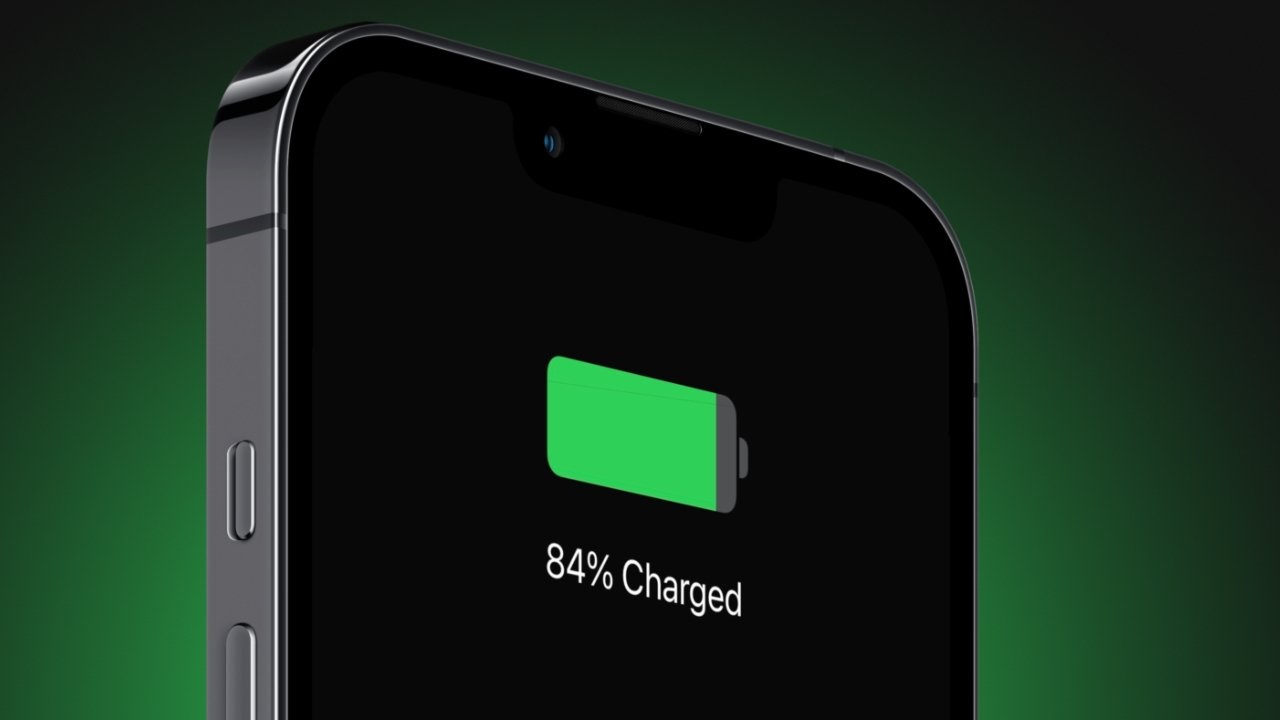
YOUR BATTERY CAN LAST LONGER. GUARANTEED!!!
Read our tricks and tips for making your battery last extremely longer than what it is right now.
Tips put together by Engineer Michael Anyanwu 07039317035.
Please share if you this will be helpful to others.
Thanks.
Adjust the screen timeout
Long screen timeouts mean that your screen will stay lit for longer after you have stopped using it. Set this to a low value to save battery power
Avoid areas with a poor signal
If you’re in an area with a low signal, the phone will boost it’s signal power, consuming battery. If possible, avoid these areas.
Avoid exposing the battery to metal
Don’t ever let the metal contacts on the battery touch metal objects, like keys or coins. This can short circuit the battery, impairing its performance
Avoid exposing the phone or battery to direct sunlight or heat
Exposing the battery to excessive heat can damage the battery performance permanently, especially if the battery is 100% full and exposed to direct sunlight or heat
Avoid task killers
Avoid using task or process killers as they often cause more harm than good
Be careful with third party applications
Applications that are poorly coded or designed can often consume more battery than they should. Be careful when selecting different applications that do the same job. Generally speaking an application made by a larger company will have more battery efficient code than an application made by a one-man-band
Buy a more powerful battery
Third party batteries can often provide more battery power than the manufacturer ones. Warning: this can often void your warranty, so use at your own risk
Change your notifications
If you receive a lot of messages or calls, change the notification to a short vibrate instead of long or loud ringtones
Check less email accounts
If you have a long list of email accounts that your device regularly checks, consider removing some accounts. For every account that the phone checks it is will be using battery life
Close applications when not needed
Most phones will manage applications that are running in the background, but this isn’t always the case. If you’re not using an application, close it to avoid unnecessary battery consumption
Disable / remove active widgets
Widgets that are constantly running on the homescreen consume battery power. If you don’t use them much, consider turning them off or removing them
Disable keypad tones
The little tones the phone makes when you press the keys will consume battery power. Unless you need them, consider switching them off. People around you will also appreciate it.
Disconnect the internet if you’re not using it
When you don’t need to use the internet on your phone, disconnect the 3G or WiFi connection to the internet
Don’t use a live themes / wallpapers
Themes or wallpapers that contain animations that are constantly ‘doing something’ will consume battery power. Consider not using these
Drain your battery once a month
For lithium based batteries it is recommend that once per month you should use all the power in your battery, then charge it completely before unplugging the charger
EDGE uses more power than 3G
3G is much more energy efficient than EDGE so if you have the option, choose 3G
Handle your battery with care
When changing batteries or buying new one don’t touch the copper contact plates. Dust or oily skin can lessen the connection between the battery and the phone, impairing performance. Also, do not drop or bang the battery against a solid objects
If you have no signal, set the phone to offline
If you are in an area where there is no signal (eg in a basement, subway tunnel) turn the phone to offline mode. Otherwise it will continually scan for a signal
Lock your phone immediately after use
Don’t wait for the screen to automatically turn itself off as this will consume battery power. Once you’re done sending a text or making a call, immediately lock your keypad and/or screen
Reduce screen sensitivity
Reduce your touchscreen sensitivity. The more sensitive the screen is, the more battery it will use
Turn down screen brightness
Screen brightness is one of the major killers of batter power. If you don’t need it bright, turn it down
Turn of GPS
If you’re not using your GPS or Maps software, turn the GPS off
Turn off location services
Location services often transmit or receive a signal to identify your location. This can consume considerable battery power. If you don’t need these services, disable them or turn them off
Turn off programs that index in the background
Turn off any indexing programs (eg Music indexing, photo indexing etc) that run in the background
Turn off the camera flash
Unless you need to use the camera flash, turn it off. This consumes a lot of battery power when used
Turn off vibrate
Unless you need it, turn off the vibrate mode. This will often apply to the General profile where a ringtone will indicate a call more than a vibrate
Turn off WiFi and Bluetooth
WiFi and Bluetooth consume considerable battery power. If you’re not using them, then them off
Turn off your phone before removing the battery
Always power your phone down before removing the battery. Failing to do this may lead to damage to the battery
Uninstall unnecessary applications
Uninstall any applications you don’t use (especially Yahoo Messenger, MSN, AIM etc that may run in the background)
Upgrade your firmware
When new firmware is available, update it. New versions often include improvements in battery optimization
Use 3D games sparingly
Games that require 3D rendering use more of the graphics processor, which will drain your battery more quickly. If you are running low on battery and need to play a game, try choosing one with simple graphics
Use a dark wallpaper
Bright colours can consume more battery power than light colours. Consider changing your background to one with dark colours
Use flight mode / offline mode
If you’re running low on battery power and don’t need to make a call, use the internet or send a message, you can switch the phone to an offline mode to save power until you can get to a charger
Use less graphics intensive programs
Programs that have high intensity graphics, especially games or watching videos will drain the battery quickly. Use these only if necessary
Avoid extremes of temperature
Batteries do not like temperature extremes. Anything higher than about 95° Fahrenheit or 35° Celsius will decrease your battery’s charge. The same thing applies with cold temperatures. If you’re outside in freezing weather, make sure your phone is in your pocket. Cold temperature problems are usually temporary, whereas hot weather can cause long term damage to your battery
Don’t cover the light sensor
Most phones have a light sensor, which is usually located at the top of the phone. This automatically adjusts the brightness of your screen. If it is covered, the phone increases it’s screen brightness. To avoid extra battery being used, ensure this sensor isn’t covered or obstructed by anything
Use a wall charger where possible
If you have the choice of charging from a computer via a USB cable or a wall charger, always choose the wall charger. Not only is it faster, but the charge will last longer
Lower your music volume
Listening to music loudly, whether through headphones or the phone’s internal speakers will consume more battery power than quieter music
Turn off your equalizer
If your phone has an equalizer for music, then turn this off. The EQ uses processing power, which will drain your battery quicker. It may not be much, but everything counts
Visit mobile sites where possible
Usually mobile versions of websites are less graphic intensive, requiring less processor to display them and consequently less battery power. If your phone has the option to default to mobile sites, then turn this on
Change photo effects
Effects that are applied to photos can consume more processing power and therefore battery power. If you really want to conserve power, turn these effects off
Change your photo size / quality
Reducing the default photo size or quality will consume less processing power and therefore battery power
Store your phone in a case or holder
If your phone is in your pocket or handbag it can often get bumped. Some of these bumps will inadvertently press buttons which may light up the screen. If your phone is in a holder or case, this is less likely to happen.
Read more www.countervirusunit.com


Leave a Reply